Hear about the expansion from the ground, not the press release.

Capex Signals watches the sites of your named accounts every month for new pads, extensions and yard growth. You get a dated event tied to a location, ahead of the announcement.

Event detected
Account
Site address
Event type
First-seen date
Rough size, sq ft
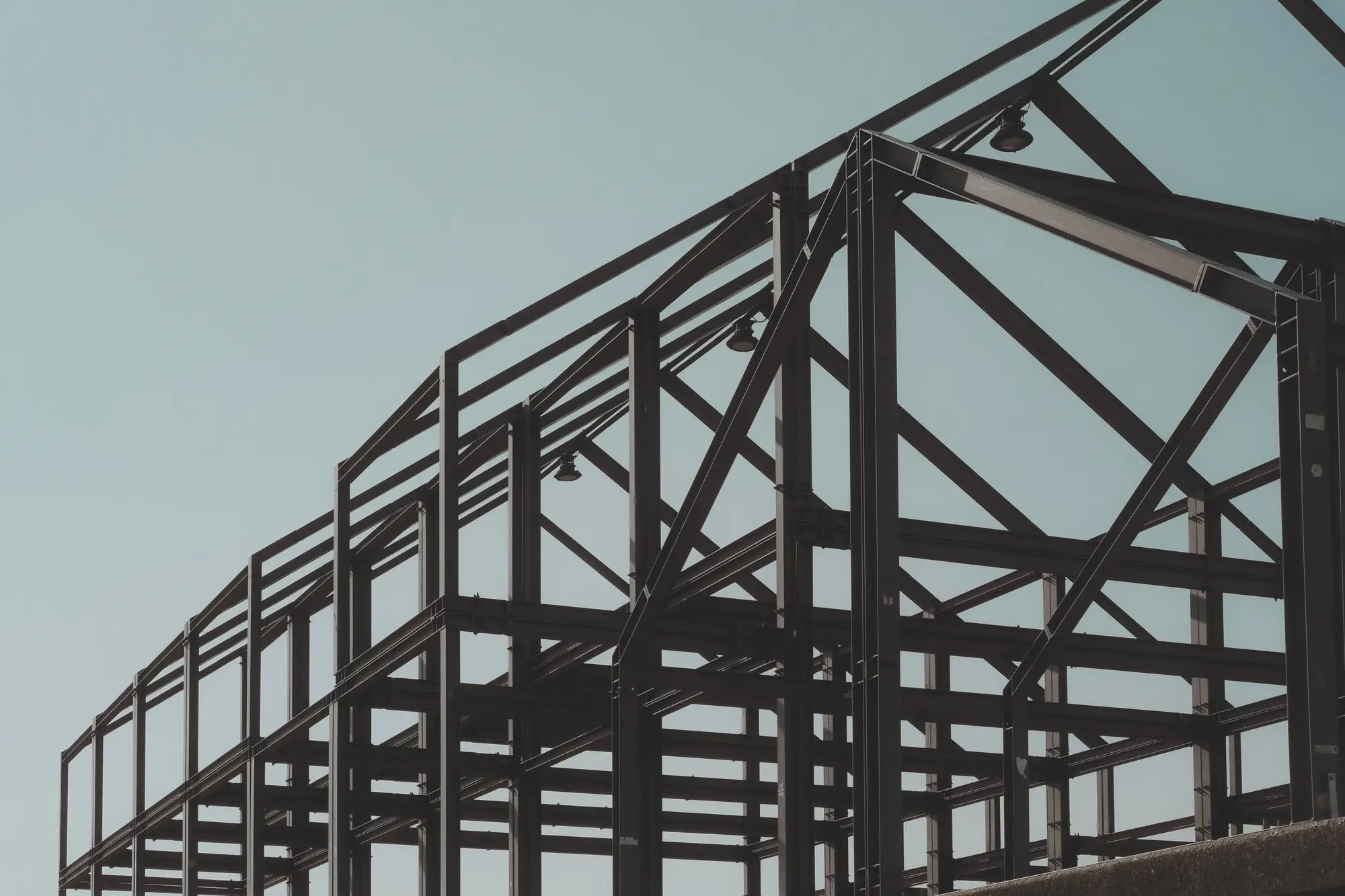
Bare structural steel frame of a new building against a pale sky
GSD
≤0.5 m (VHR)
Cadence
Monthly
Platform
VHR satellite / aerial
Spectral
RGB

Where the account research runs out

You have a territory list and a sequence ready. Before you send it, you check the account: a search of the news, the last earnings call, the careers page, maybe a permit lookup if you know the county. An expansion turns up as a press release, a remark on a call or a trade-press story.

That is the same day every other vendor selling into that plant hears about it, and by then the pad is poured and the general contractor has picked the subs. The plant that broke ground last quarter sits on your list with no note on it.
Press release or footprint, row by row

  1. Hearing about an expansion

    Waiting on the news

    A press release, an earnings-call remark or a trade-press story, whenever the company chooses to say something.

    With Capex Signals

    A monthly event when new pads, extensions or yard growth appear at a site you listed, with the date it first showed.

    Still yours

    Deciding whether the company will talk about it, and to whom.

  2. Timing the first touch

    Waiting on the news

    The sequence starts when the news does, alongside everyone else who reads the same feed.

    With Capex Signals

    You start it off a first-seen date, not off the announcement.

  3. Account research before a call

    Waiting on the news

    Filings, news searches, the careers page and a permit lookup, account by account.

    With Capex Signals

    The location, the event type and the date sit in the feed, so the research starts from something observed at the address.

  4. Sizing what's being built

    Waiting on the news

    A headline number in a press release, or a guess from the story.

    With Capex Signals

    A rough size read from the footprint growth in the imagery. It is a size, not a dollar figure.

    Still yours

    Working out the budget behind it.

  5. Qualifying the account

    Waiting on the news

    You ask, on the call, what is going on at the site and who owns it.

    With Capex Signals

    You ask the same questions, with a dated event in the notes to open with.

    Still yours

    Everything from the first conversation on. Who to call, what they need, whether there is a deal.

What lands in your queue

How it works

  1. Before the pilot

    Account list in

    Send the named companies you track and the site address or boundary for each.

  2. First pass

    Baseline

    We take the first clear pass over each site as its baseline footprint. Nothing is flagged on that pass.

  3. Every month

    Monthly pass

    Each month the sites are checked against the baseline for new pads, extensions and yard growth. A clouded-out month is carried over and noted.

  4. Month's feed

    Event feed

    An event goes into that month's feed with date, location and rough size. You take it into your account research, and into the sequence.

Limits

What the old method does better

The news tells you what the company plans and why. The imagery shows only that ground has changed, so you still read the press release when it comes, to learn what the building is for.

  • It is not spend

    A footprint change is not a confirmed budget, a signed contract or a dollar figure. A pad can sit unused.

  • It does not see inside

    The feed reports growth in footprint. It cannot say what the building will be used for or who is buying for it.

  • Resolution floor

    At 0.5 m a pallet is only a couple of pixels across. A new pad, an extension or a graded yard shows up. A small lean-to, a canopy or a rooftop addition may not.

  • Clouds and a monthly target

    Optical imagery needs a clear day, so a monthly pass is a target. A cloudy month slips and the feed marks the gap.

  • Only the sites you list

    Coverage is the addresses or boundaries you send. Sites you did not list are not watched, and there is no universal company coverage.

Who it's for

Steel angle stock stacked in rows across an open yard under a gantry crane

Switch if

  • You are a sales-development or account-development rep working a named-account list.
  • You are the sales or revenue operations manager who has to load a trigger into the CRM.
  • Your accounts run physical sites: plants, warehouses, distribution centers, yards.

Stick with the news feed if

  • Your accounts are office-based or software companies with no site to grow.
  • You need a confirmed budget or a signed deal before you reach out.
  • You sell to an address you do not have, or you want a list of companies you do not yet know.

Questions before a pilot

Does this confirm a budget or a signed contract?

No. It reports a physical change in footprint at a site. That is a reason to call, not confirmed spend.

Does it replace the news alerts and earnings-call reading?

No. It tells you where and when ground changed. The news, when it comes, tells you what it is for. Keep both.

How do we check it against what we already know?

Put in accounts where you know of a build-out, with the dates. See whether the feed flagged it, and how the first-seen date compares with when you found out.

What happens when a site is cloudy that month?

The pass can slip to the next clear day, and the feed carries a note on that account. It never fills the gap with a guess.

Does it know what is being built?

No. It sees footprint growth and nothing of purpose. A new pad could be a plant, a warehouse or a parking lot.

How is size estimated?

As rough footprint area from the imagery. It is not a certified measurement, and it is not a dollar figure.

Can it track every company site?

Only sites you have listed with a known address or boundary.

Will it load into our CRM?

It comes as a CSV keyed to the account name and site address, so anything that imports a spreadsheet can take it. We do not write into your CRM directly.

Who owns the imagery and the events?

Ownership and licence terms are written into the pilot agreement before anything is ordered. If your legal team needs to review them, ask early.

How is a pilot priced?

We quote the pilot against your account list once we have seen it.

Track your account list.

Send the accounts and site addresses you would put in a pilot. We will tell you straight whether the imagery can cover them.